All prices quoted above are net prices. If you have valid VAT ID, you will receive 0% rate VAT invoice. Otherwise, please add 23% VAT rate to the net price of your order. Turnaround Time is specified in working days and does not include delivery time which takes between 2-4 days depending on the destination.
Lenticular Printing - Images That Come to Life
Lenticular printing is a modern technology that allows for the creation of images with dynamic effects, such as changing the image depending on the viewing angle.
Printing on the Mimaki UJF-7151 Plus plotter is an advanced technology that enables precise reproduction of graphics on specialized materials, such as lenticular film. The process includes direct color printing followed by a layer of white color, ensuring excellent image quality and color intensity.
Advantages of Printing on Mimaki UJF-7151 Plus
Precise detail reproduction thanks to direct printing on lenticular film.
Guarantee of high-quality visual effects due to the application of a white color layer.
Ability to tailor the project to specific requirements.
This type of printing is ideal for creating lenticular posters, where precision and color intensity play a key role.
Technical Parameters of Lenticular Printing
Substrate
Lenticular (lens) film.
Lenticules
Lenticule pitch: 40 lpi.
Lenticule direction: vertical.
Note - the image must be adapted to the direction of the lenticules, rotating the graphic by 90° is not possible.
UV Printing Technology
Direct UV printing on lenticular film with an additional layer of white color.
Available Effect
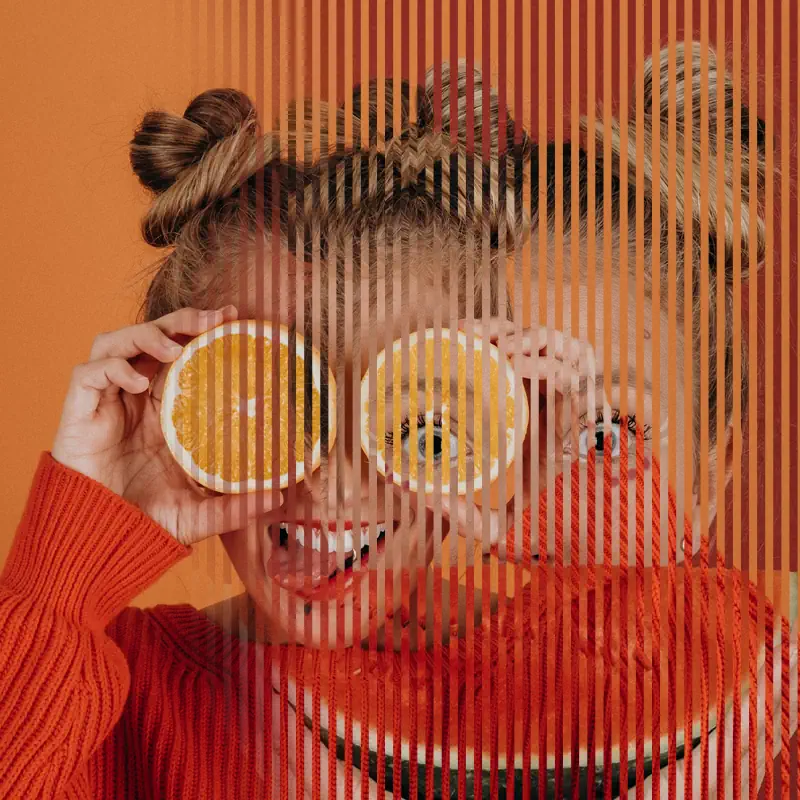
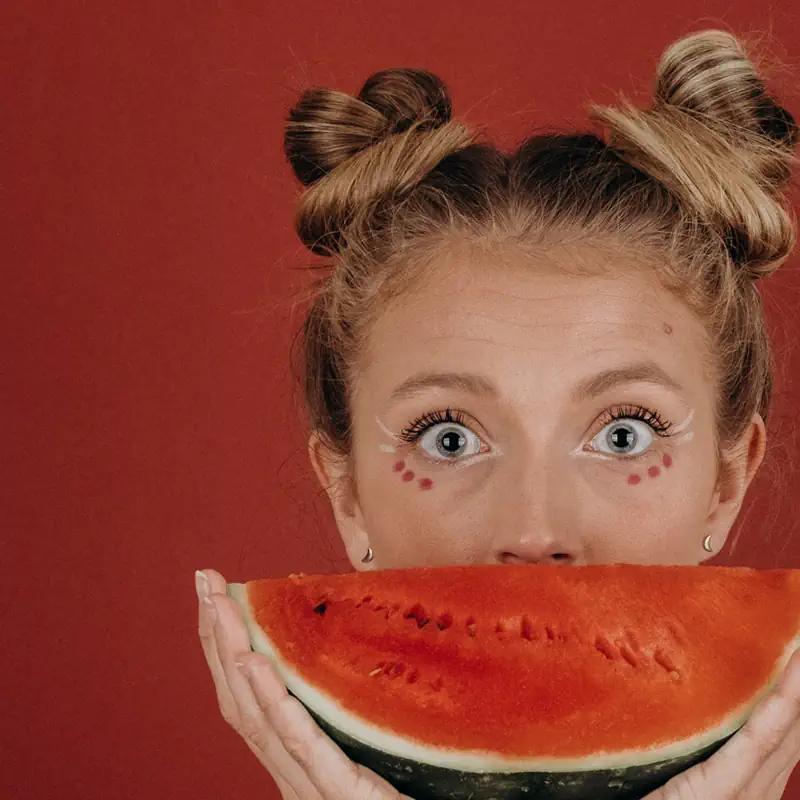
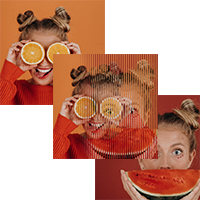
Flip (alternating display of two images). The “flip” effect means that the observer, moving relative to the lenticular image, sees different images alternately. With the offered formats, the “flip” effect is best visible from a distance of 0.5 to several meters, making our posters suitable for use as highly attention-grabbing advertising in points of sale. The software we use does not require the Client to have specialized knowledge, just provide 2 images that are to appear alternately on the lenticular poster, and we will generate the image needed for printing.
Poster Formats
700 × 500 mm (landscape orientation).
350 × 500 mm (portrait orientation).
350 × 250 mm (landscape orientation).
How to Prepare a File for Lenticular Printing
Project Preparation
Two graphic files should be prepared, which will be visible alternately depending on the viewing angle. It is sufficient to provide two images.
The images are processed using specialized software, eliminating the need for technical knowledge on the client's side.
Project Format
The project must have exact dimensions according to the usage size - without bleed.
Due to the arrangement of the lens stripes, the project should be prepared in the appropriate orientation: horizontal or vertical, consistent with the chosen format.
Project Recommendations
Image Selection
Avoid large differences in color and saturation between changing images.
The best effects are achieved when the images are similar in terms of brightness, colors, and saturation.
Avoid dark elements in areas where there is a light background on the second image – dark elements may show through.
Background
Instead of two completely different images, it is worth using a common background and changing only the visible objects.
White background - it is not recommended to design on a white background, as elements from the second image may be more visible on it.
Text
If text appears on both images, ensure that their positions do not overlap.
In case of show-through, text elements may become unreadable.
Details - due to the properties of lenticular film, avoid very detailed elements such as:
Text smaller than 30 pts.
Lines thinner than 0.5 mm.
Additional Tips
Images printed on lenticular film may appear less sharp, so try to avoid very detailed graphics.
Please send two TIFF or JPG files in 24-bit RGB color with a resolution of 300 dpi or a PDF file in CMYK color.
Work Preparation
All other rules for proper file preparation can be found in the Help section.
Warning: Undefined array key "ppwr" in /system/nowszy/podstrony/produkt_opis.php on line 173
Im bardziej Puchatek zaglądał do środka, tym bardziej Prosiaczka tam nie było.